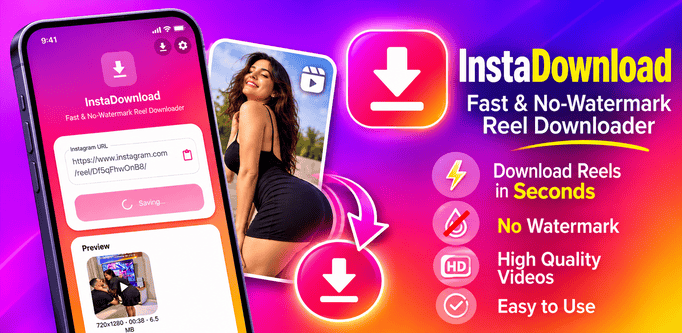
InstaDownload: Fast & Easy Instagram Photo, Video, Reel & Story Downloader
Want to save your favorite Instagram photos, videos, reels, or stories to your device? With InstaDownload, you can quickly download public Instagram media in just a few taps. Simply copy the link from Instagram, paste it into InstaDownload, and save the media directly to your gallery.
How to Use InstaDownload
- Copy the Link on Instagram: Open Instagram, find the post, reel, or story you want to save, tap the share/menu icon, and select Copy Link.
- Paste the Link: Open InstaDownload and paste the copied URL into the link input field (or tap the paste button if available).
- Fetch Media: Tap the Download or Fetch button to load the preview of the photo, video, or reel.
- Save to Device: Tap the Save button to download the media directly to your phone's storage/gallery.
Important Notes
- InstaDownload only supports public posts and media that you have permission to view and save. Private accounts and restricted content cannot be downloaded.
- Make sure you have a stable internet connection and enough storage space on your device.
Note - This app or app developer is not affiliated with, endorsed, or sponsored by Instagram or Meta Platforms, Inc. Instagram is a registered trademark of Instagram, LLC. Please respect copyright laws and creators' rights, and follow Instagram's terms of service when using InstaDownload.
Links for download
Privacy policy of this application is available
here
Frequently asked questions
Q: Can I download videos and reels with InstaDownload?
A: Yes, you can download supported photos, videos, and reels by copying their links and pasting them into the app.
Q: Is this app free?
A: Yes.
Q: Why is a link not working or failing to download?
A: Make sure you copied the full, valid link to a public post or reel, check your internet connection, and confirm the content hasn't been deleted or set to private.
Q: Where are my downloaded files saved?
A: Downloaded photos and videos are saved to your device's gallery or Downloads/InstaDownload folder, depending on your device and Android version.
Q: Can I download content from private Instagram accounts?
A: No. InstaDownload cannot access or download content from private accounts.
Q: Do I need to log in with my Instagram account?
A: No login is required for basic public link downloads.
If you have any another question, please send us email at
[email protected]